QuickBooks Online used to be the obvious choice for small business accounting. The price was reasonable, the feature set covered the basics, and your accountant knew it. None of those three things are still true in the way they used to be.
Here is where QuickBooks is now, and what your real alternatives are.
What QuickBooks Online costs in 2026
QuickBooks Online has multiple tiers. Simple Start is around $35 per month. Essentials is $65. Plus is $99. Advanced is $235.
The "small business" plan most owners assume is fine, Simple Start, is missing the things you actually need: bill pay, multiple users, time tracking, project profitability, inventory.
Most real businesses end up on Plus ($99 per month, $1,188 per year) or Advanced ($235 per month, $2,820 per year). Add Payroll ($50 to $130 per month plus per-employee fees) and a typical small business is paying $3,000 to $6,000 a year just for accounting software.
That is before per-transaction fees on QuickBooks Payments, which can quietly add thousands more.
The features small businesses actually use
Most small businesses use QuickBooks for:
- Issuing invoices and tracking who has paid.
- Recording expenses.
- Reconciling the bank account.
- Generating a profit-and-loss and balance sheet at tax time.
- Producing 1099s and W-2s if they have contractors or employees.
Everything else, inventory, projects, classes, advanced reporting, is either unused or used badly.
What part you actually need to keep
Two parts of QuickBooks are genuinely hard to replace without a CPA in the loop:
- The chart of accounts and the structured general ledger your accountant relies on at tax time.
- Payroll (because of tax filings).
Almost everything else is replaceable with a simple custom tool.
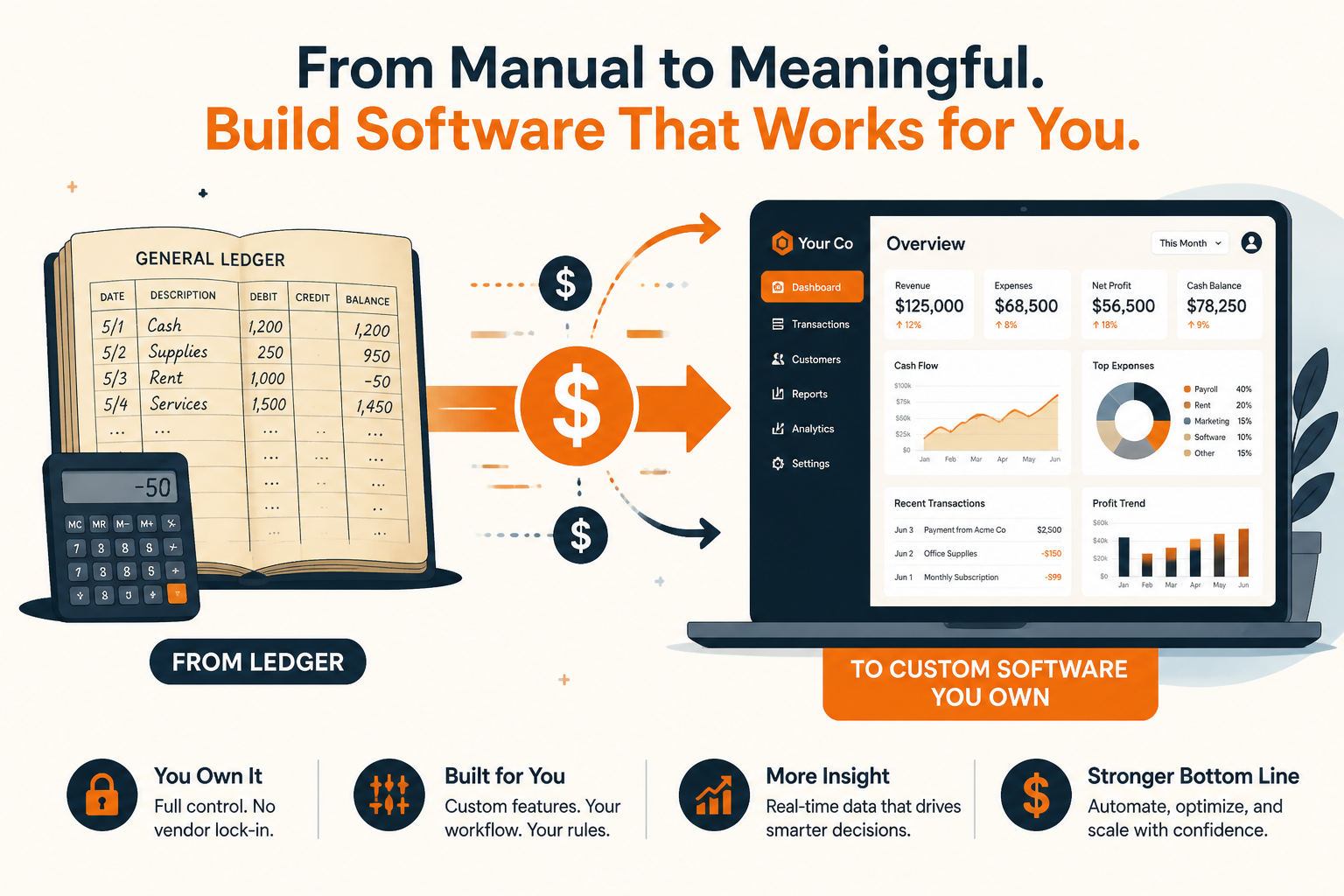
What a custom replacement looks like
A typical custom replacement does the customer-facing and operations-facing work:
- A clean invoicing module: create, send, track, collect.
- A client portal where customers see invoices and pay them.
- Stripe or ACH for actual payments (no per-transaction markup).
- Expense capture (forward a receipt email, drop a CSV, link a bank feed).
- A monthly export that hands clean, categorized data to your accountant.
Your accountant still keeps a tiny QuickBooks (or just uses spreadsheets) for the official books. You stop paying for the parts of QuickBooks you only used for invoicing and customer billing.
The real numbers
A custom invoicing and client billing tool is typically a $6,000 to $12,000 build, plus $20 to $50 per month in hosting.
A typical small business paying QuickBooks Plus + Payments fees often spends $4,000 to $8,000 per year on QuickBooks. The custom tool pays for itself in 12 to 24 months and then keeps saving most of that every year, plus it saves on payment processing fees by not going through Intuit''s rails.
"What about my accountant?"
This is the conversation worth having. Most accountants are fine with a clean monthly export of categorized transactions. They do not care which software produced it as long as the data is clean. Some will even prefer it, because they spend less time fighting QuickBooks Online quirks.
When to keep QuickBooks
Keep QuickBooks if:
- You have complex inventory.
- You run on a multi-entity structure with intercompany transactions.
- Your accountant insists and is doing real strategic work for you.
Replace QuickBooks (at least the invoicing and customer-facing parts) if:
- You mostly use it for issuing invoices.
- Your payment processing fees are eating into your margins.
- You want a customer portal that matches your brand.
Find your number
Our calculator includes QuickBooks Online as one of the tools you can plug in. It will tell you what a custom replacement for the parts you actually use would cost and how fast it pays for itself.